






Description
Listing appointment Thursday? Look ready in 10 minutes.
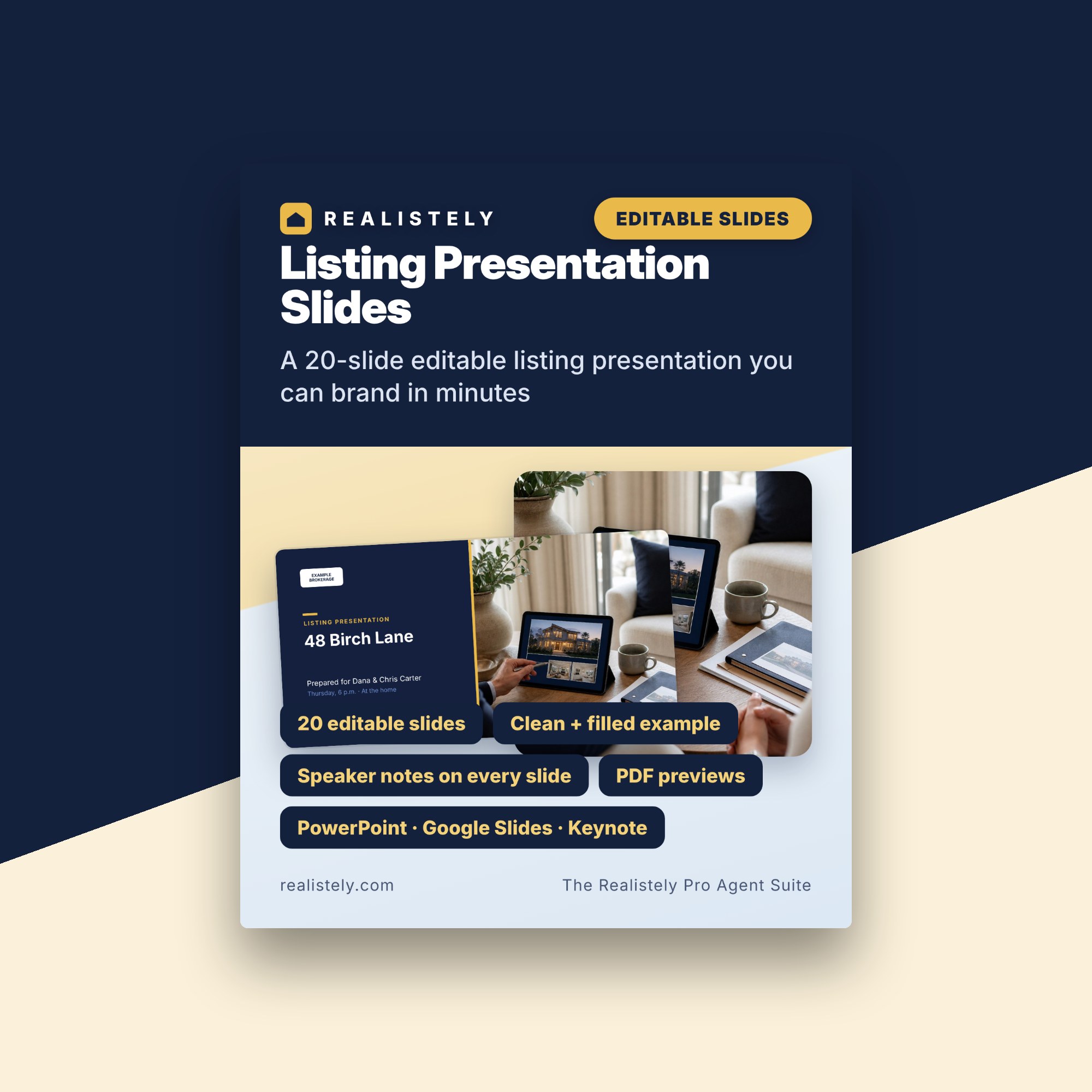
A 20-slide editable listing presentation you can brand in minutes.
- 20 editable slides
- Clean + filled example
- Speaker notes on every slide
- PDF previews
- PowerPoint · Google Slides · Keynote
Get Listing Presentation Slides · $49
Instant download · Editable Slide Template · Digital download · All sales final
You’re here because…
- A seller just booked you for Thursday — and said two other agents are coming too.
- You open your old slide deck and it looks like a template from years ago, or it is 40 slides of brokerage logos.
- You know the seller will compare how professional you look before they compare anything else.
- You are not a designer, you have no time to build slides from scratch, and you do not know what to put on the pricing and fee slides.
- And at 11 p.m. you wonder: "What do I actually say on each slide?"
This template gives you 20 editable 16:9 slides in the order a good listing appointment runs — the seller's goals first, then evidence, plan, fees and a clear next step — in a clean version to brand and a filled example to copy from, with speaker notes on every slide. Change two theme colours, add your logo and photos, and it is yours. Templates and tools. Results depend on your market and your work.
What it does for you
A seller has booked you for Thursday — and two other agents are coming too. Your old deck looks dated or is mostly brokerage logos, you have no time to design slides, and you are not sure what to put on the pricing and fee slides.
These 20 slides follow the order a good listing appointment runs: the seller's goals first, then the market, comparables, an honest recommended range with a price-band visual, preparation, media, marketing, showings, a written communication promise, offers, the timeline, fees (no figures pre-filled), real reviews only, and a clear next step. Change two theme colours and every slide follows; replace [Your name] and the photos, and it is yours. A filled example deck shows how each slide reads when complete, and every slide has speaker notes. Templates and tools. Results depend on your market and your work. Educational only — not legal advice; rules differ by country, state and province.
What’s inside
A look inside


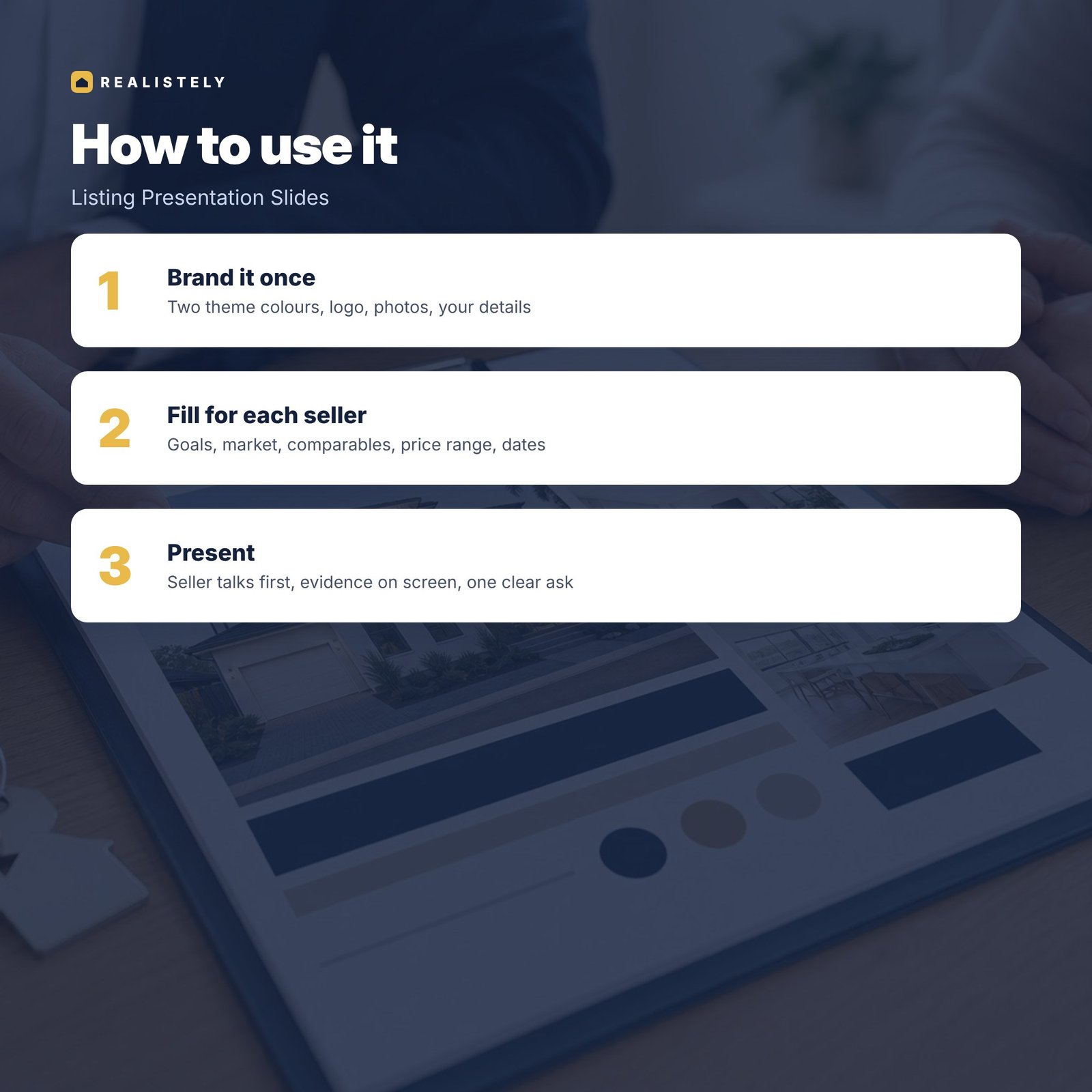
How it works
Made for
- Real estate agents, realtors and estate agents who want a professional listing deck fast
- Newer agents building their first listing presentation
- Agents who want an honest, evidence-first pricing and fee conversation
Format
- .pptx · PowerPoint, Google Slides, Keynote, Canva
- Clean + filled example decks
- PDF previews of both decks
- Guide PDF · A4 + US Letter
- Speaker notes on all 20 slides
- Instant download
Questions
Which software do I need?
PowerPoint .pptx files. They also open in Keynote and Google Slides, and can be imported into Canva. Every text box is editable.
Can I add my branding?
Yes. Change the theme colours and fonts once, add your logo, name and brokerage, and every slide follows.
Does it work where I live?
It is written for the US, UK and Canada in plain language. Rules differ by country, state and province, so every tool tells you what to check locally.
When do I get it?
Straight after checkout: you get a download link by email and on the confirmation page.
This product alone is $49. Or upgrade and save.

The Realistely Pro Agent Suite
Listing Presentation Slides + 13 more tools + Start Here + bonus
Same instant download · Digital download · All sales final



Listing Presentation Slides
A 20-slide editable listing presentation you can brand in minutes.
Instant download · Digital download · All sales final
Templates and tools. Results depend on your market and your work. Educational information only, not legal, tax or financial advice. Rules differ by country and state; check your local rules.


